 |
Messageware OWA Desktop |
Messageware OWA Desktop gives users complete control over their OWA session from their desktop with real time alerts and advanced one-click features.
Messageware OWA Desktop brings OWA webmail functionality to the user’s desktop, mirroring the desktop Outlook experience, but with the added benefit of a thin client. No more need for a log-on every time a user would like to view or send a message or access their calendar. New mail and appointment alerts, with one-click access to advanced features, are provided to the user in real time. OWA Desktop gives the user all the functionality they have come to expect and depend on from Outlook and goes a step further by providing time-saving features not found in native desktop Outlook.
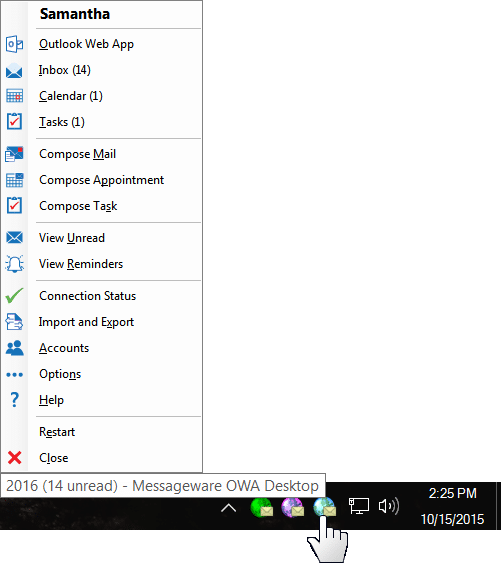
OWA Desktop provides a solution that meets most users’ needs without having to install Outlook. It provides the power and access of the Microsoft Outlook Web App right from the system tray.
Highlights
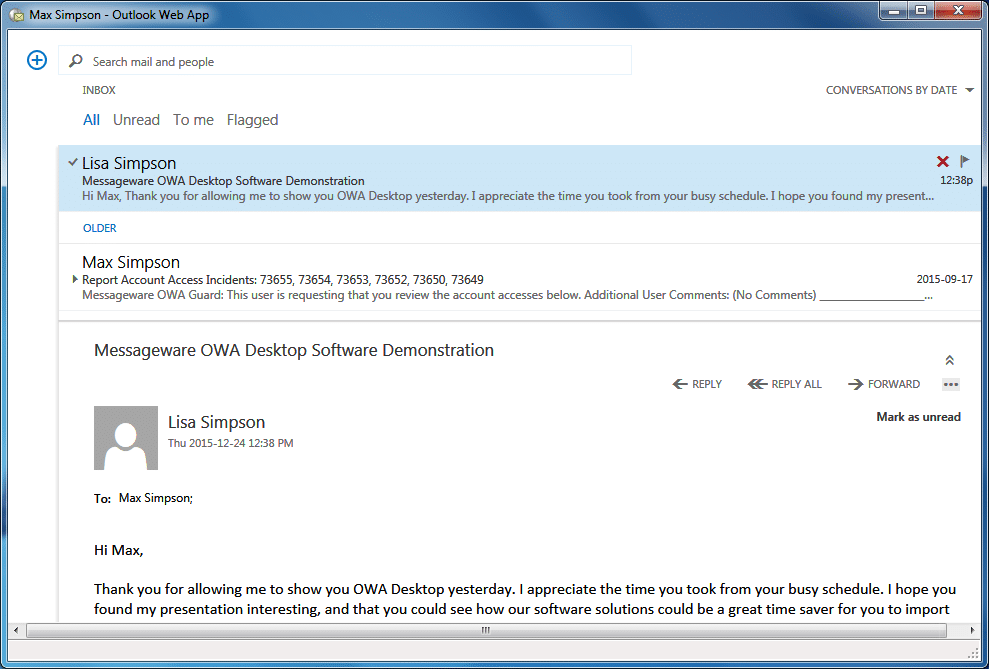
Have Instant, Outlook-like Access
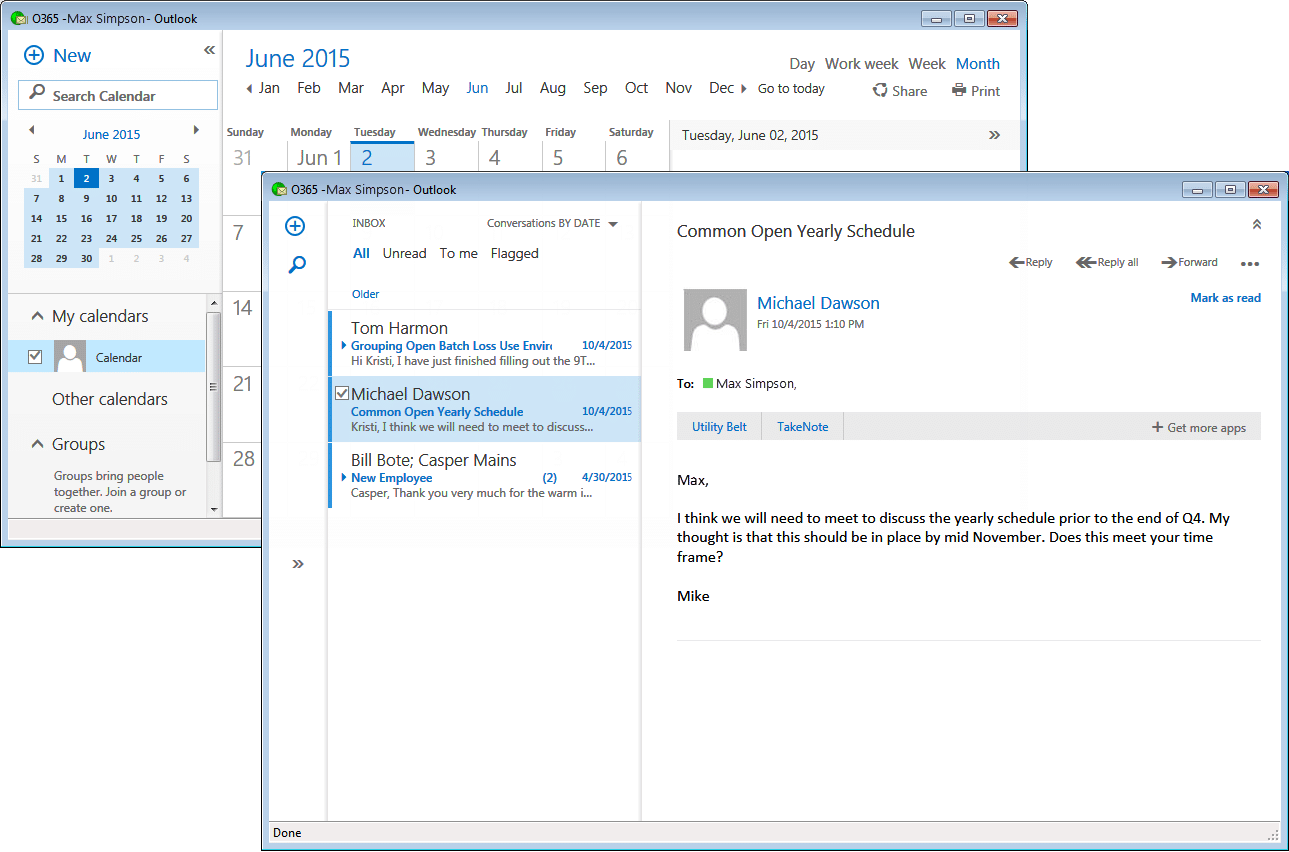
to OWA without having a browser window open, giving the user all the functionality they have come to expect and depend on from Outlook plus more.
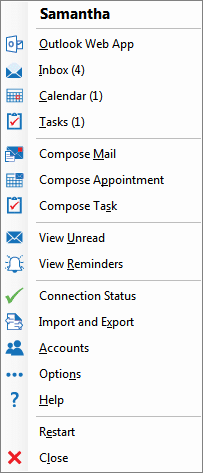
Single Click Inbox and Calendar Views
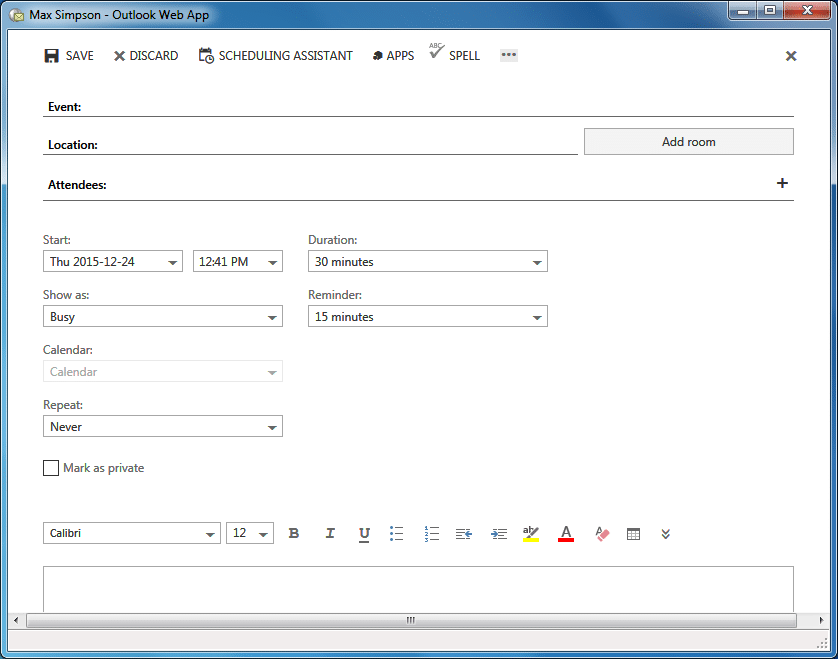
and one click to compose emails, appointments and tasks.
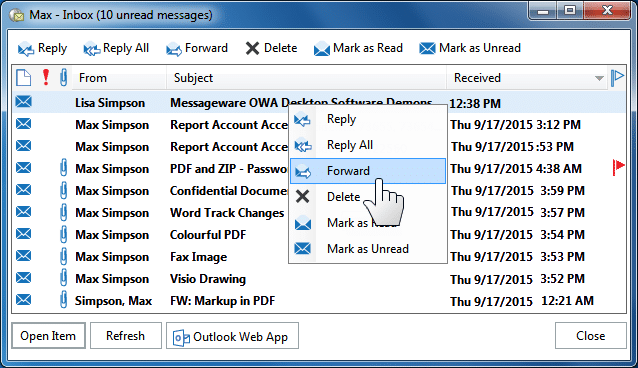
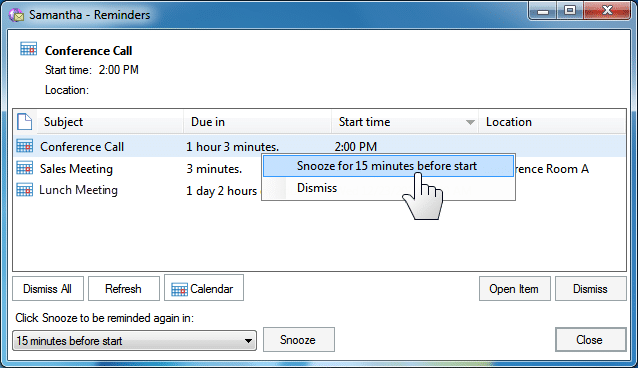
New Mail Notification
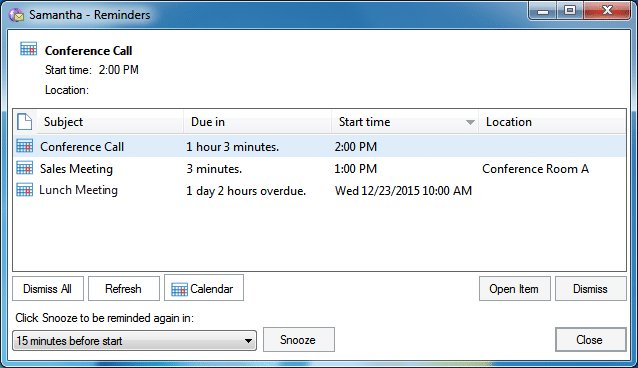
and appointment alerts that are highly functional and interactive, with one-click access to advanced features, provided to the user in real time.
Multiple Accounts
are easy to set up and use.
Desktop Deployment Support
easily packaged for automated distribution.
Easily Incorporated Into Environments
using Microsoft Exchange On-Premise, Microsoft Office 365 in the cloud, or Hosted Exchange services.
The Power And Access
of the Microsoft Outlook Web App provided right from the system tray.
Gallery
User Interface: