OWA Guard

Messageware OWA Guard

OWA Guard integrates with Outlook Web App to add critical security to protect the OWA user logon.

Messageware OWA Guard is the first security product that is designed specifically to protect OWA users and businesses from a variety of logon and password attacks and to empower administrators with vital and timely information regarding the security health of their OWA Exchange infrastructure.

OWA Guard applies advanced sign-on security measures to provide both users and administrators with the information and tools they need to ensure the integrity of their users’ accounts and the corporation’s data.

Exchange 2013

OWA Guard for Exchange 2013

Exchange 2010

Key Features: OWA Guard for Exchange 2010

  • Dynamic OWA Captcha and Recent Activity Page are some of the features employed to detect and defend against logon attempts by unauthorized individuals, automated brute-force attacks, password guessers, phishing attacks, and man-in-the-middle attacks.
  • Customizable logon policies and security checks can be configured to comply with individual corporate security plans.
  • Reporting Services provide a full range of ready to use services to help you create, deploy, and manage your organization’s security data.
  • Generate automatic alerts to identify and report suspicious behavior in real-time.
  • Track and record all logon activity to trace usage patterns and to detect, evade, and analyze threats.
  • Put security back into the hands of your users through increased security awareness that will significantly reduce attack surfaces and windows of vulnerability.
Free Trial

This video is temporarily unavailable.

Please contact us for a live demonstration.

Click here to contact us
Watch the demo to see how OWA Guard works.
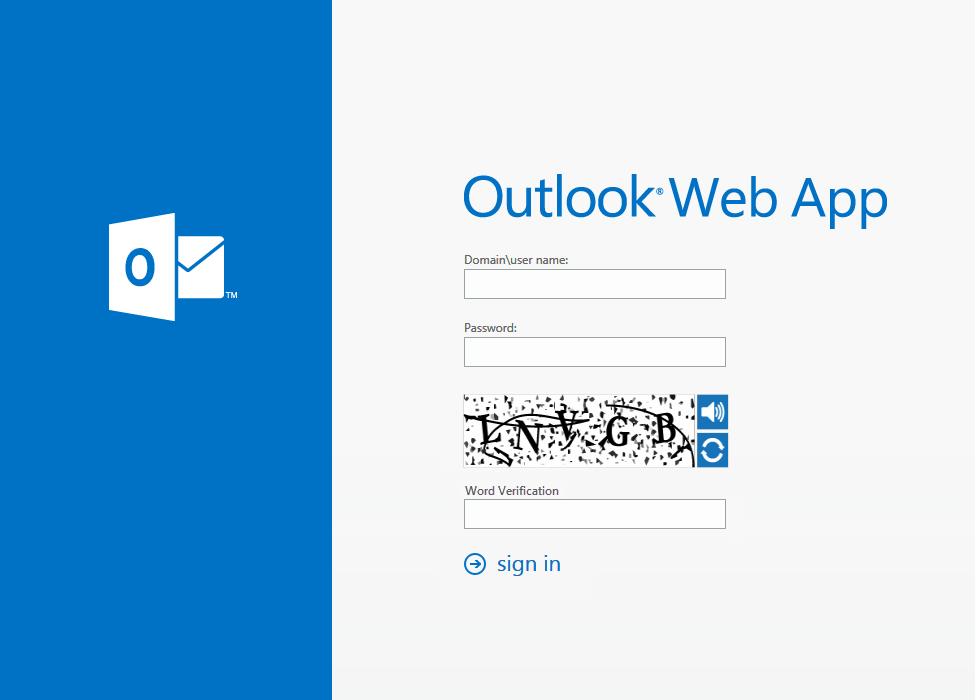
Administrators can turn on an optional CAPTCHA challenge to help guard against computer generated attacks.
  • The Recent History page is an option within OWA Guard to increase security awareness with users and significantly reduce attack surfaces and windows of vulnerability.
  • The Report incident form allows users to report any suspicious behavior within their account.
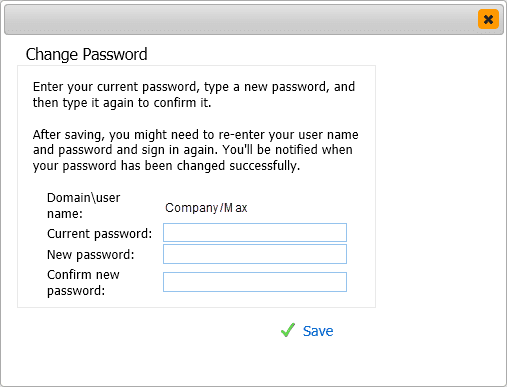
  • With the recent activity page, users will have the ability to quickly and easily change their password to lock out an intruder from further access to company data.
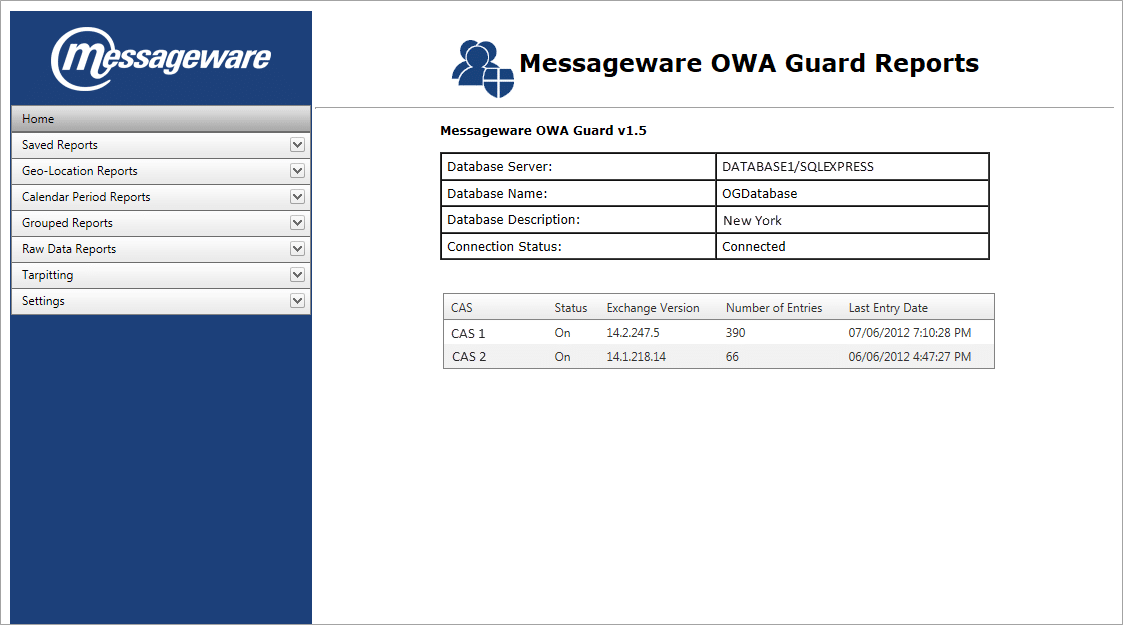
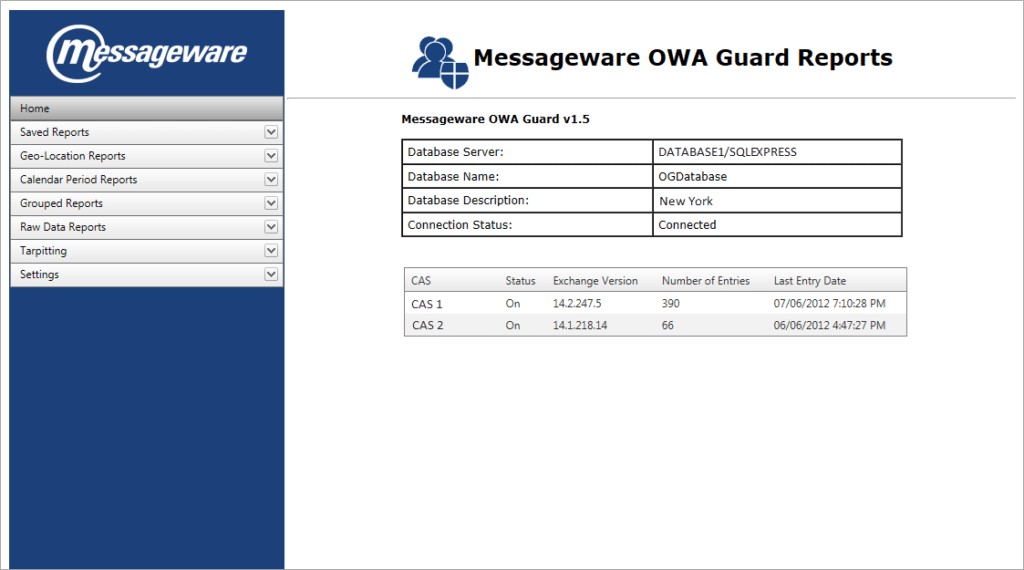
  • OWA Guard Reporting Home page provides a compilation of information regarding the Database server(s) and all CASs from which data has been collected.
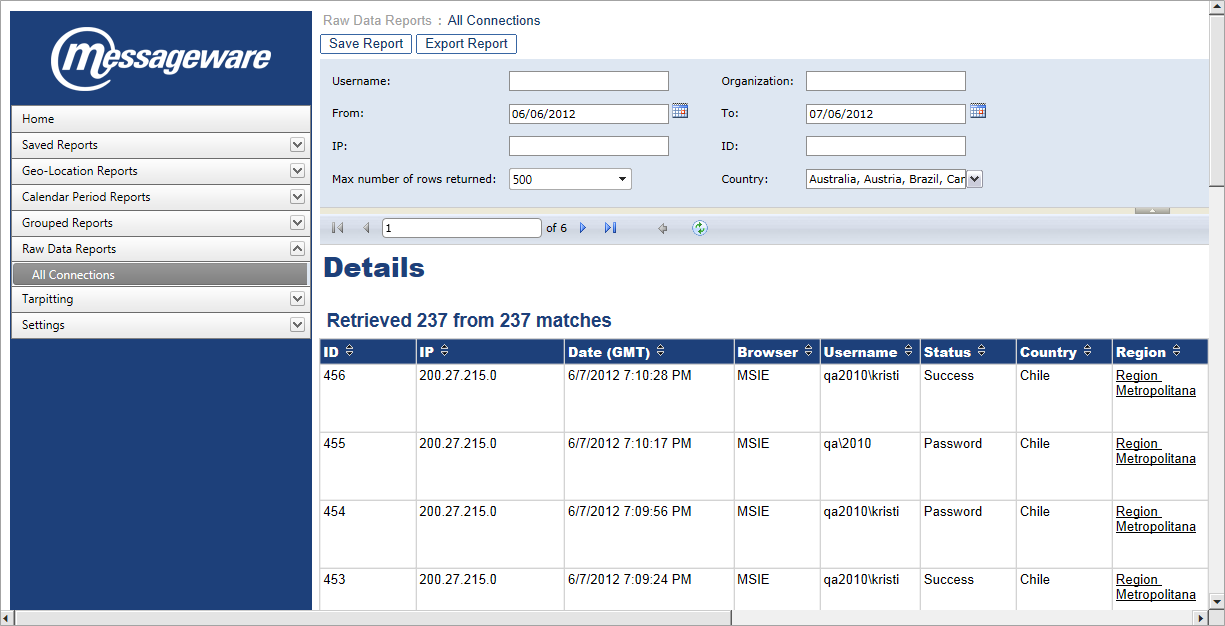
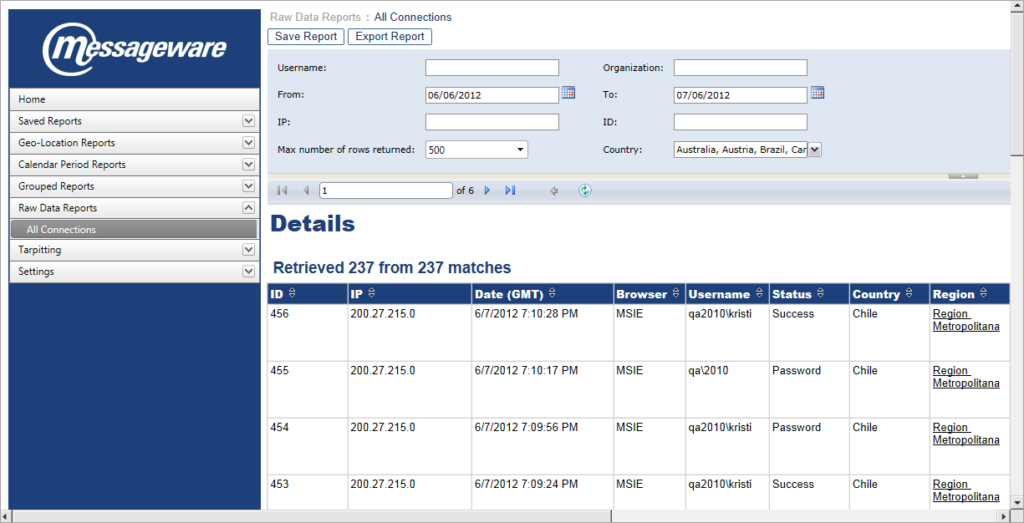
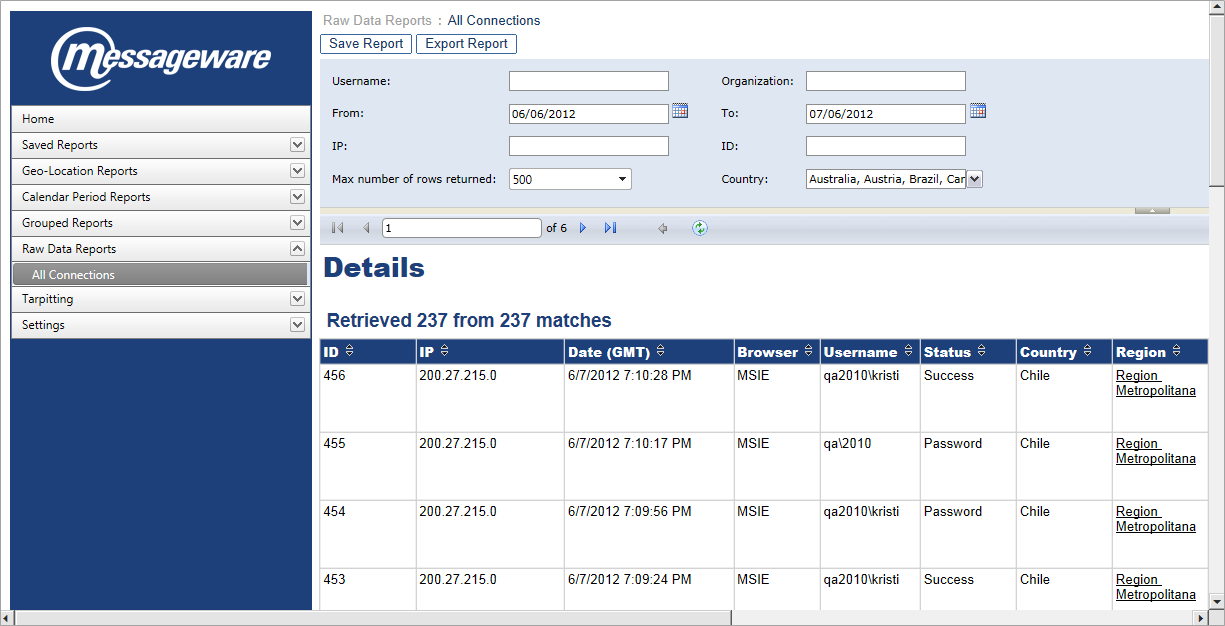
  • Source Data Tables provide consolidated information on all entries in the database.
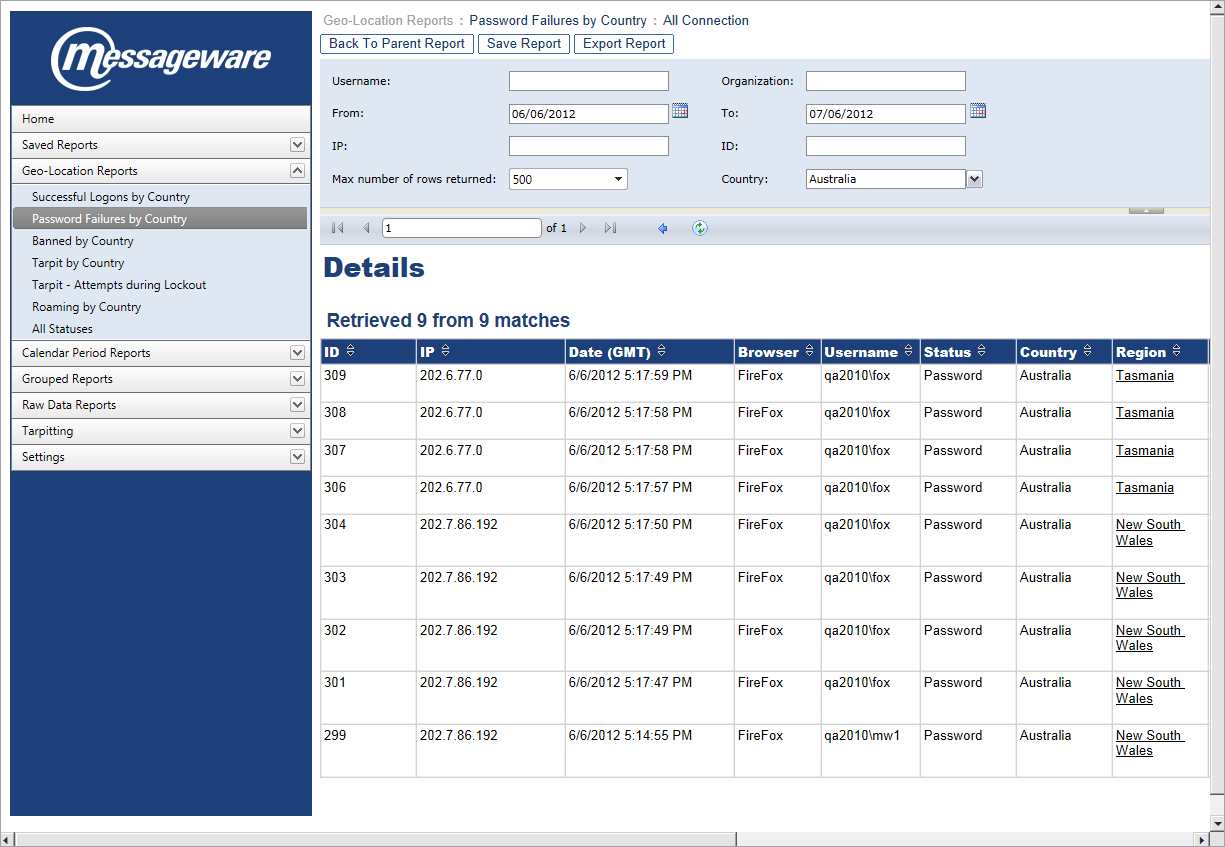
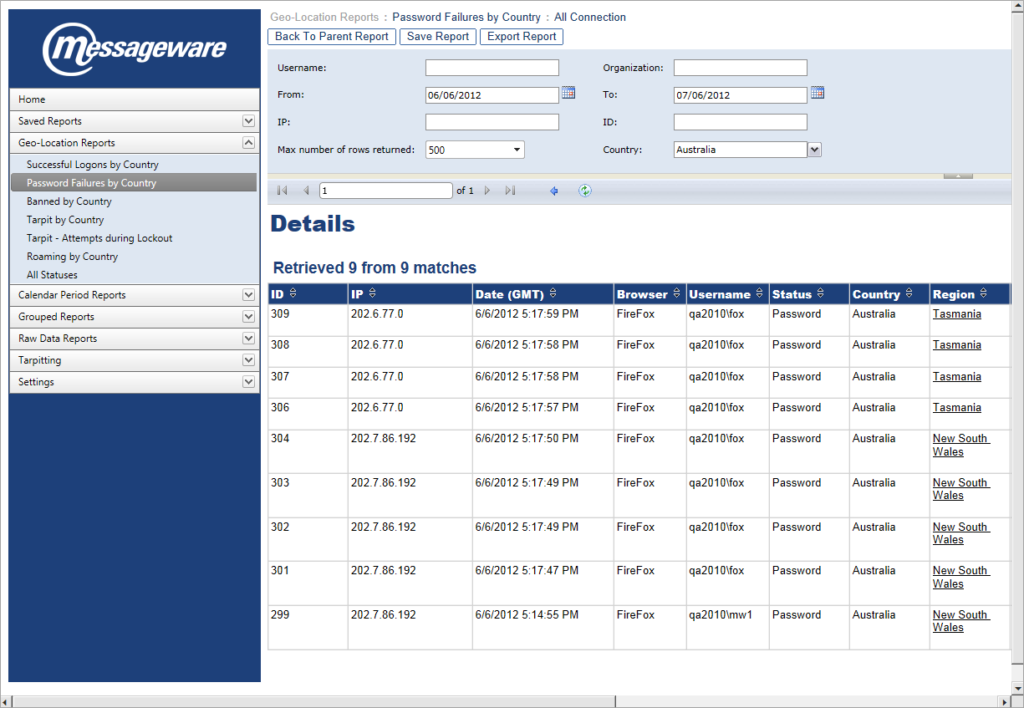
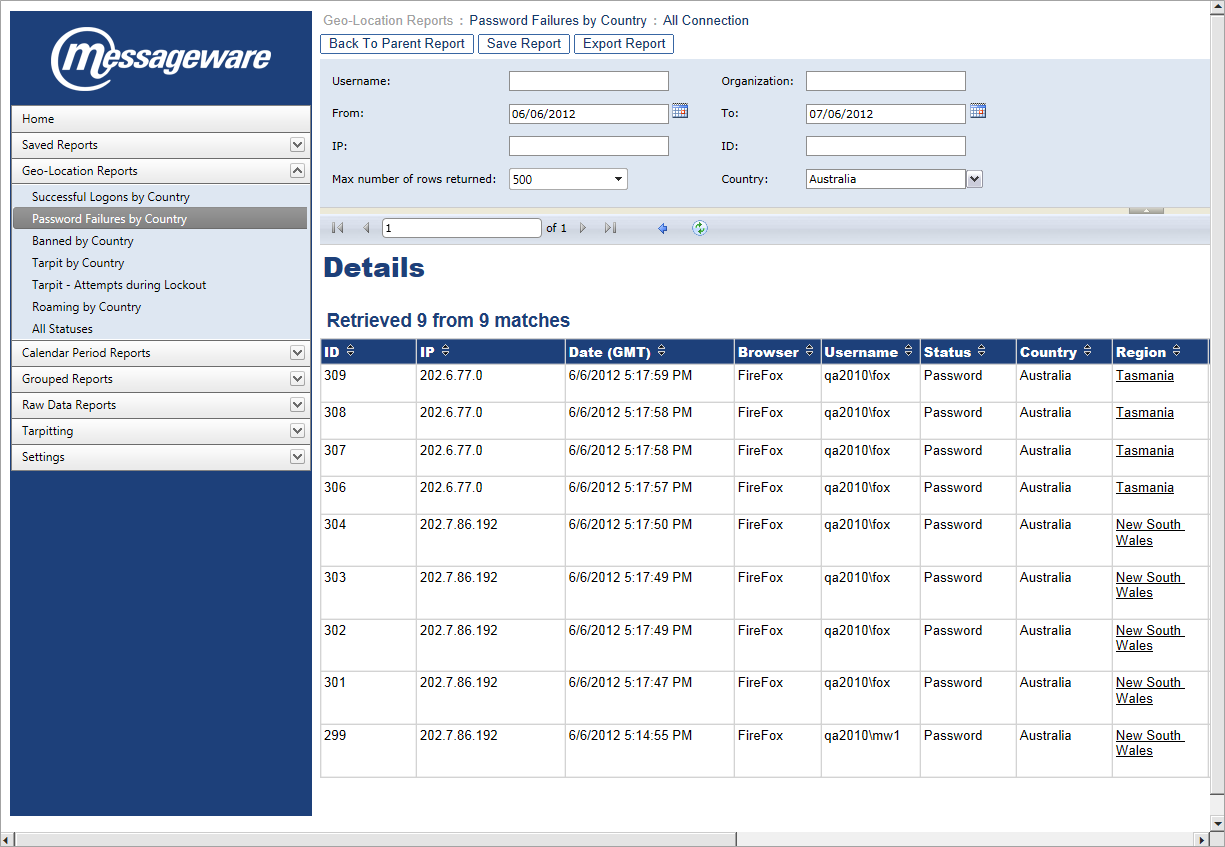
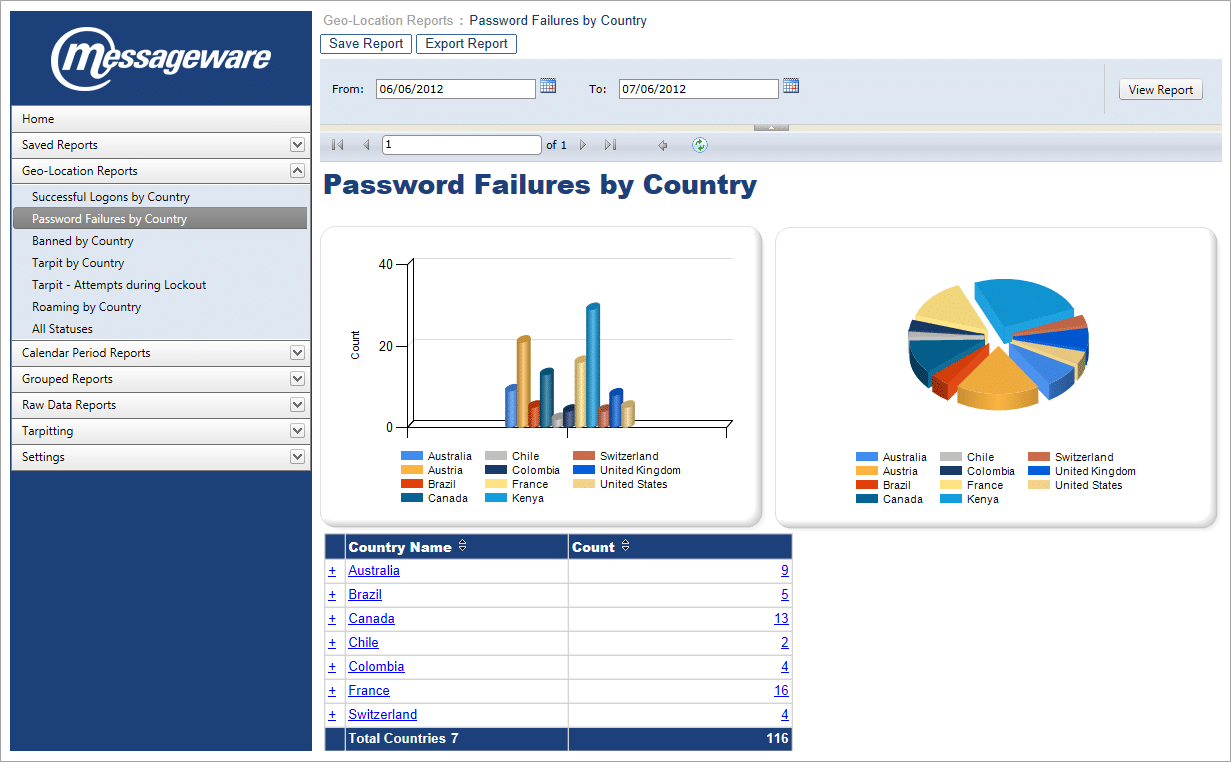
  • High level report indicating number of logons failed due to incorrect password, sorted by geo-location. Further details can be obtained by clicking on any of the links in the report chart.
  • Clicking on a link within any report will drill down to the source data for that event.
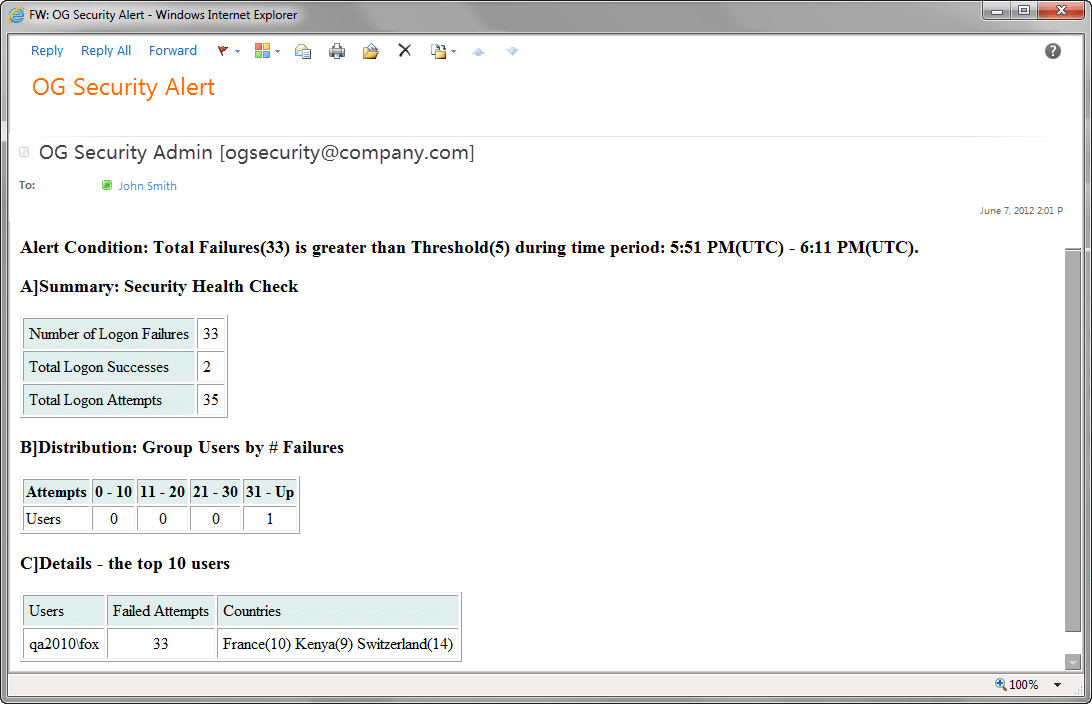
  • Automatic alerts are generated to identify and report suspicious behavior in real-time.
Click image to see the screenshot gallery.

Messageware Software For Exchange 2010

Exchange 2007

Key Features: OWA Guard for Exchange 2007

  • Dynamic OWA Captcha and Recent Activity Page are some of the features employed to detect and defend against logon attempts by unauthorized individuals, automated brute-force attacks, password guessers, phishing attacks, and man-in-the-middle attacks.
  • Customizable logon policies and security checks can be configured to comply with individual corporate security plans.
  • Reporting Services provide a full range of ready to use services to help you create, deploy, and manage your organization’s security data.
  • Generate automatic alerts to identify and report suspicious behavior in real-time.
  • Track and record all logon activity to trace usage patterns and to detect, evade, and analyze threats.
  • Put security back into the hands of your users through increased security awareness that will significantly reduce attack surfaces and windows of vulnerability.
Free Trial

This video is temporarily unavailable.

Please contact us for a live demonstration.

Click here to contact us
Watch the demo to see how OWA Guard works.
Administrators can turn on an optional CAPTCHA challenge to help guard against computer generated attacks.
  • The Recent History page is an option within OWA Guard to increase security awareness with users and significantly reduce attack surfaces and windows of vulnerability.
  • The Report incident form allows users to report any suspicious behavior within their account.
  • With the recent activity page turned on, users will have the ability to quickly and easily change their password to lock out an intruder from further access to company data.
  • OWA Guard Reporting Home page provides a compilation of information regarding the Database server(s) and all CASs from which data has been collected.
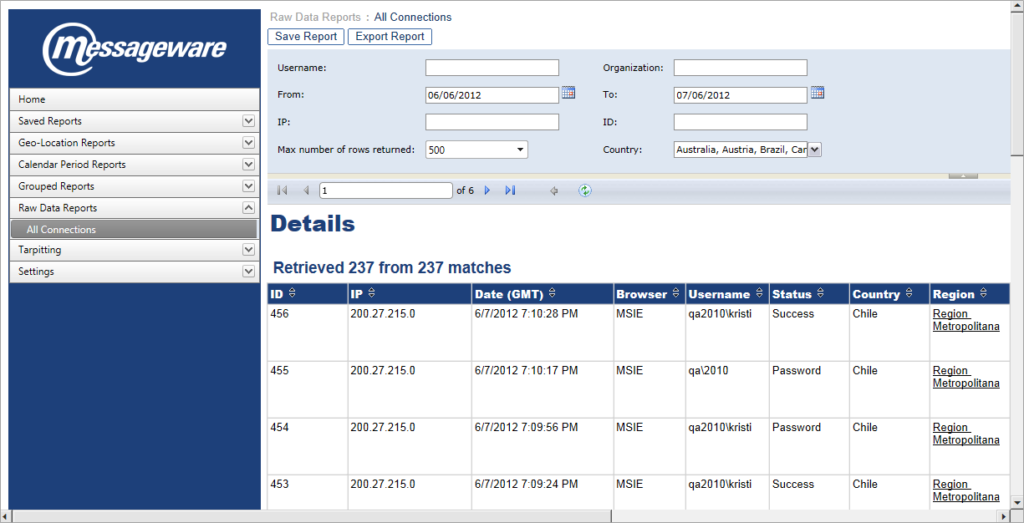
  • Source Data Tables provide consolidated information on all entries in the database.
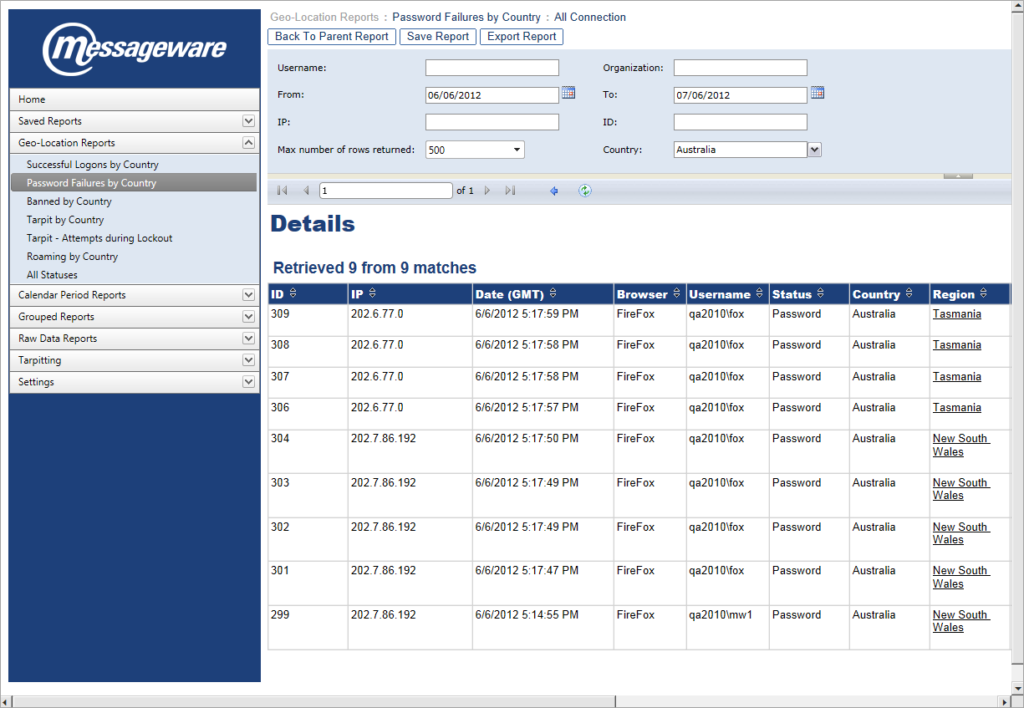
  • High level report indicating number of logons failed due to incorrect password, sorted by geo-location. Further details can be obtained by clicking on any of the links in the report chart.
  • Clicking on a link within any report will drill down to the source data for that event.
  • Automatic alerts are generated to identify and report suspicious behavior in real-time.
Click image to see the screenshot gallery.